
 Lecture transcription
 AI summary
 Story
 AI quiz
 Flashcards
 Mind map
 Assignment AI
Not all at once,
one step at a time
Add your material and it plans the units from the basics, explaining one idea per page.
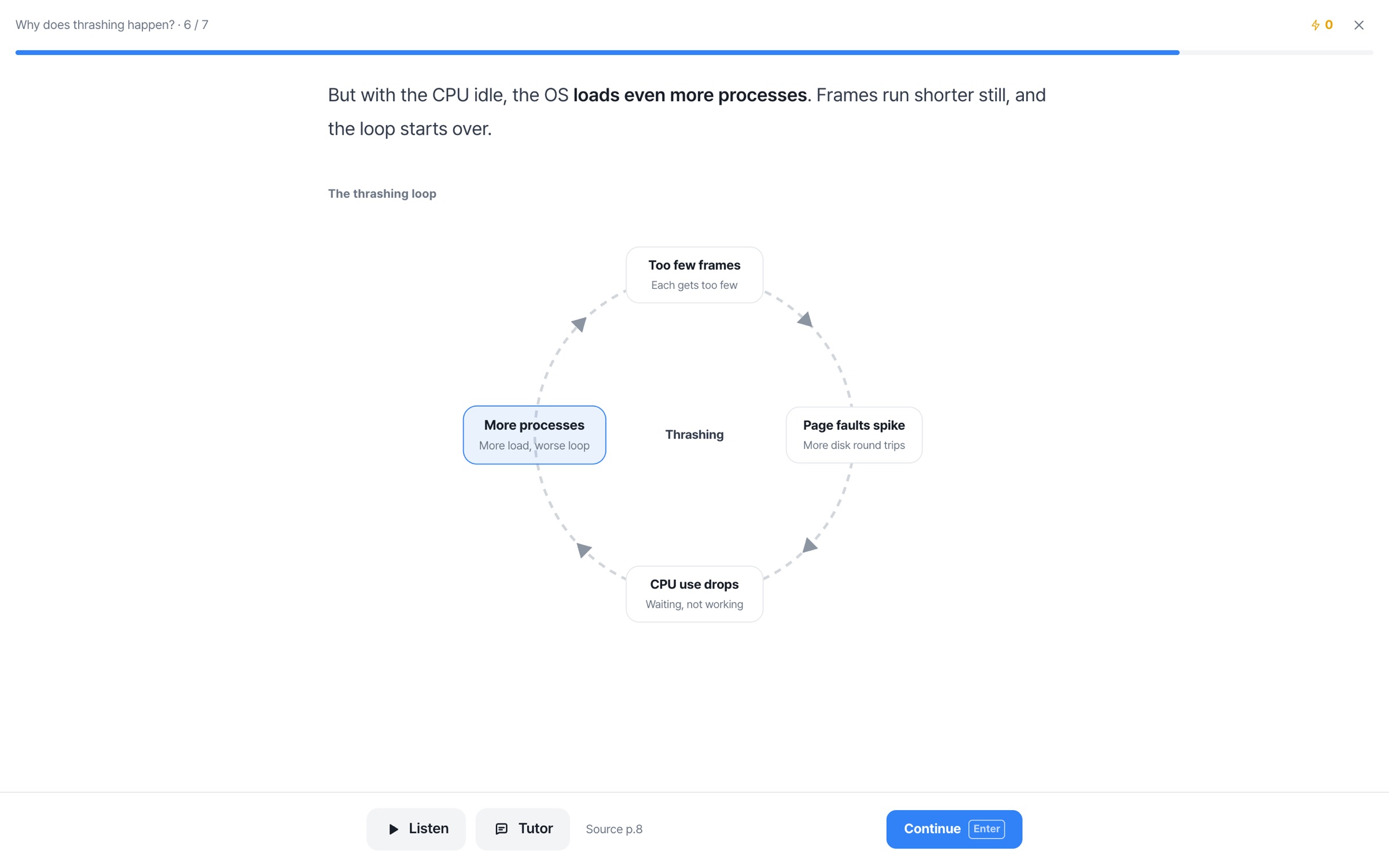
The picture fills in as you turn pages, and a check question follows right away.
Read, see,
check right away
From the basics, in order
Finish a unit and the next one opens.
The picture fills in, piece by piece
Each page you turn adds to the picture.
A check question on every page
Questions you miss go to your mistake notes.
A checkpoint every 4 units,
a final quiz at the end
Each unit turns green as you finish it, and every 4 units you go over what you've learned once more before moving on.
Pictures that fit the content,
clear at a glance
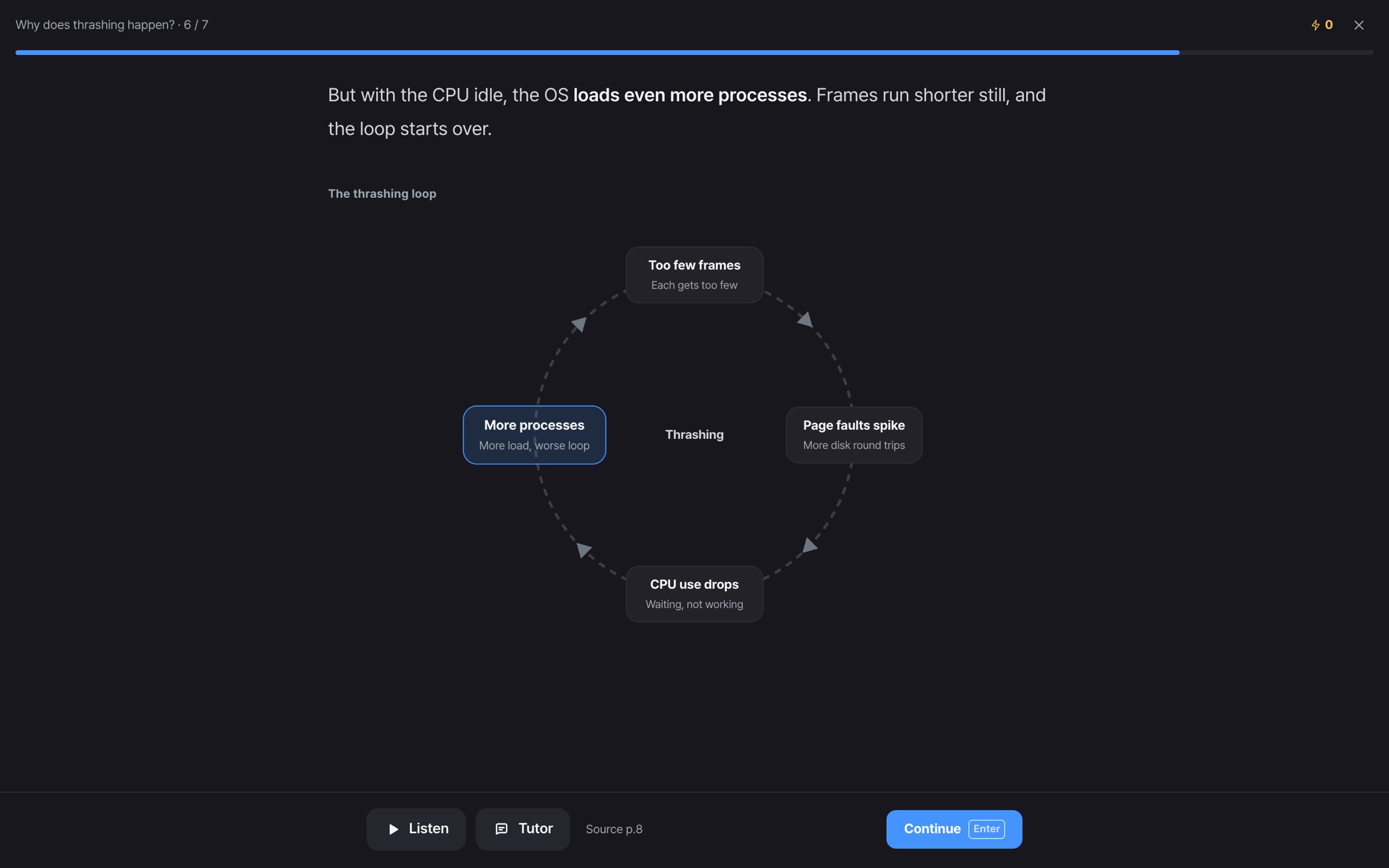
Each unit gets the picture that fits it best. Everything below comes from real Story screens.
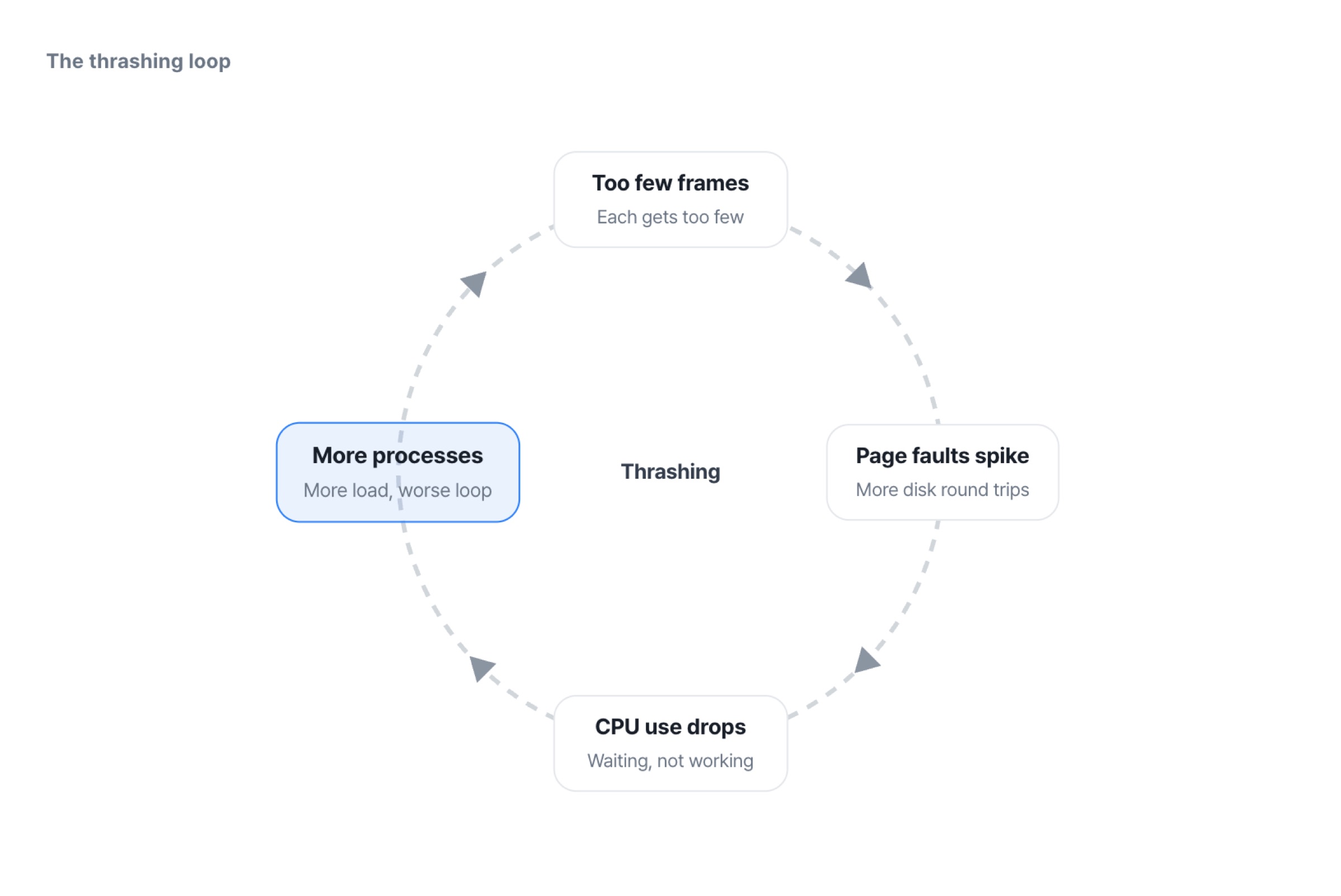
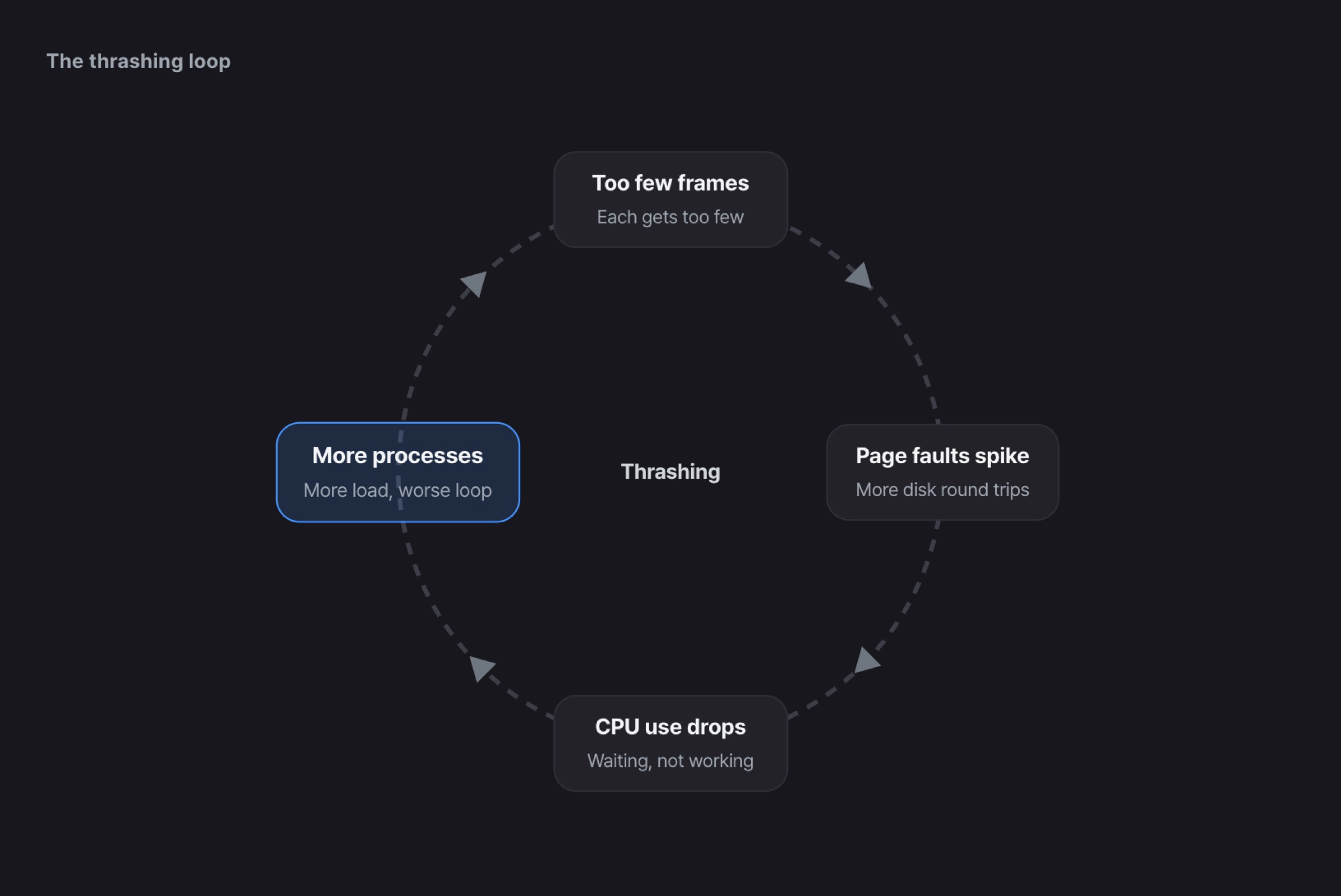
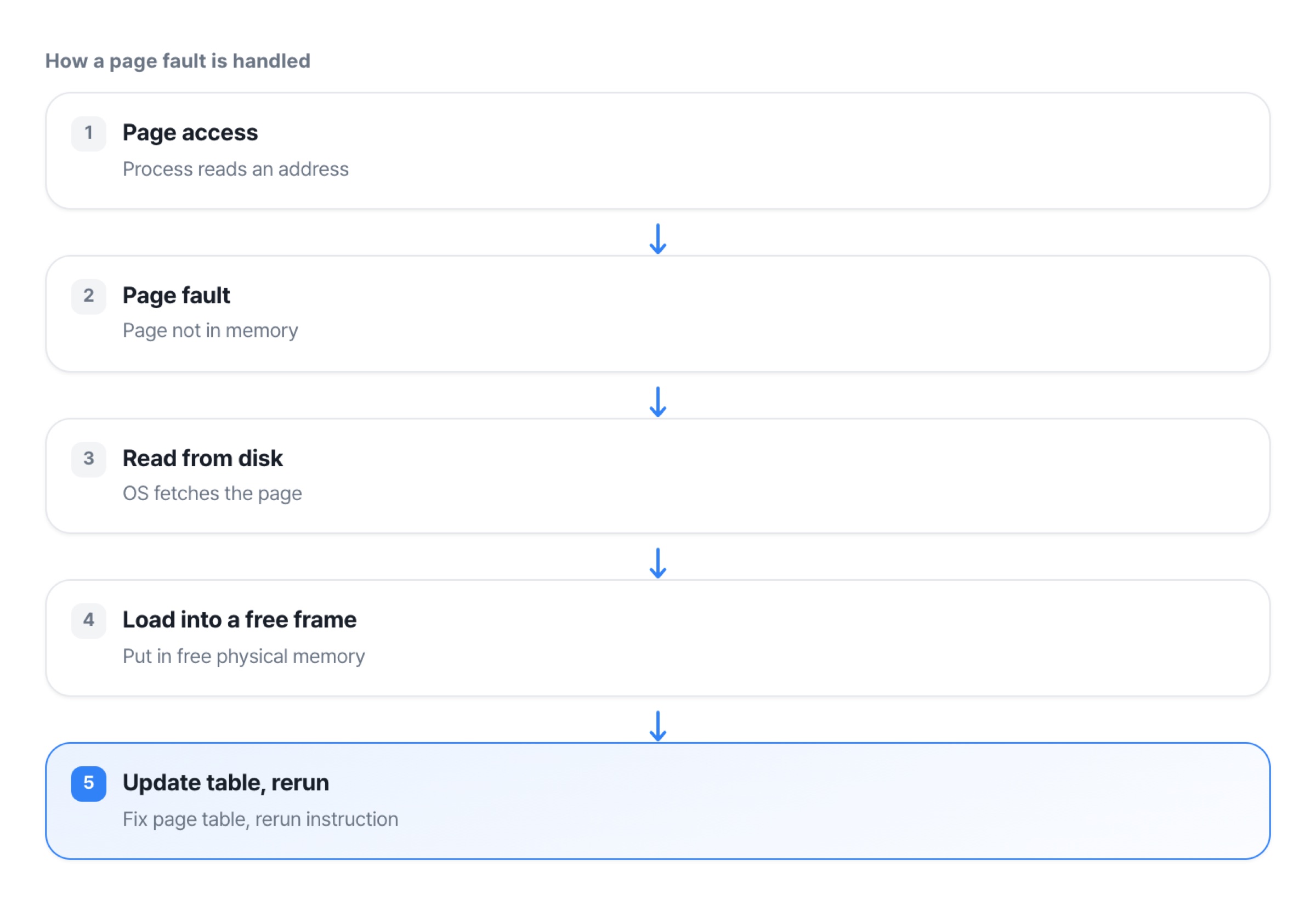
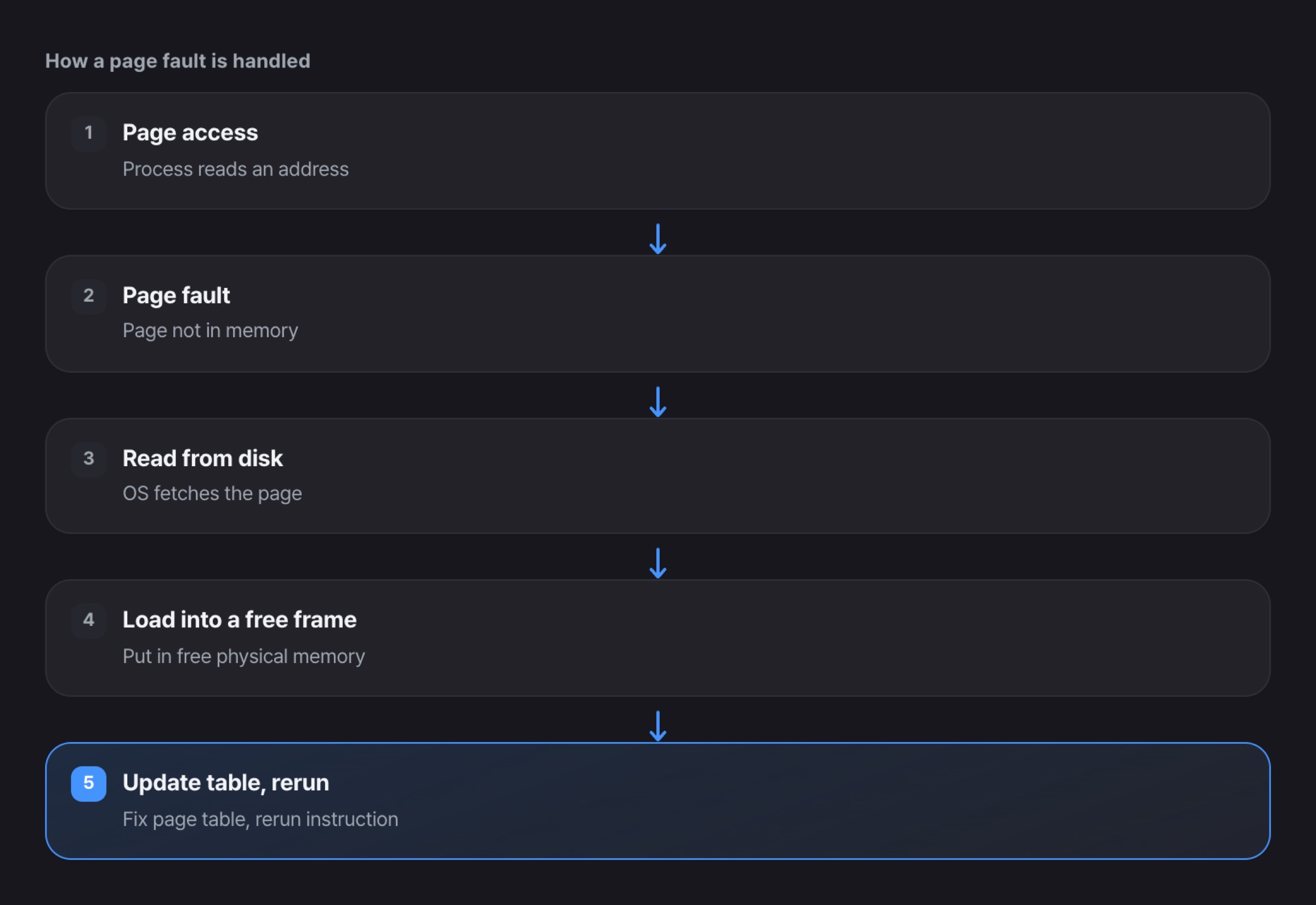
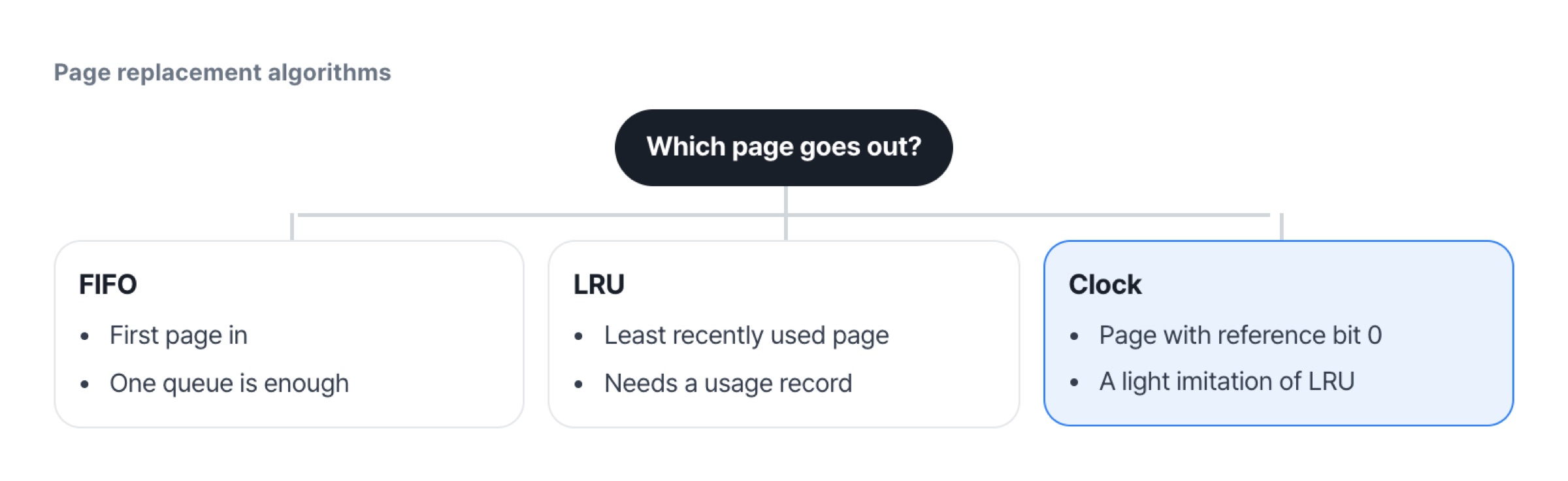
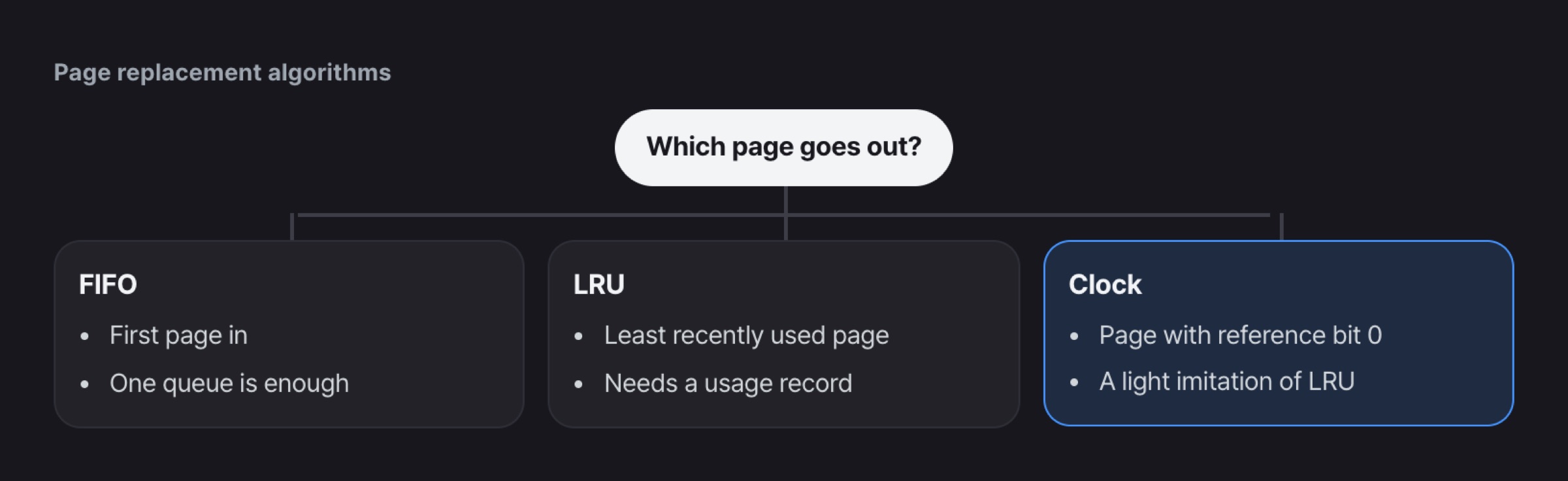
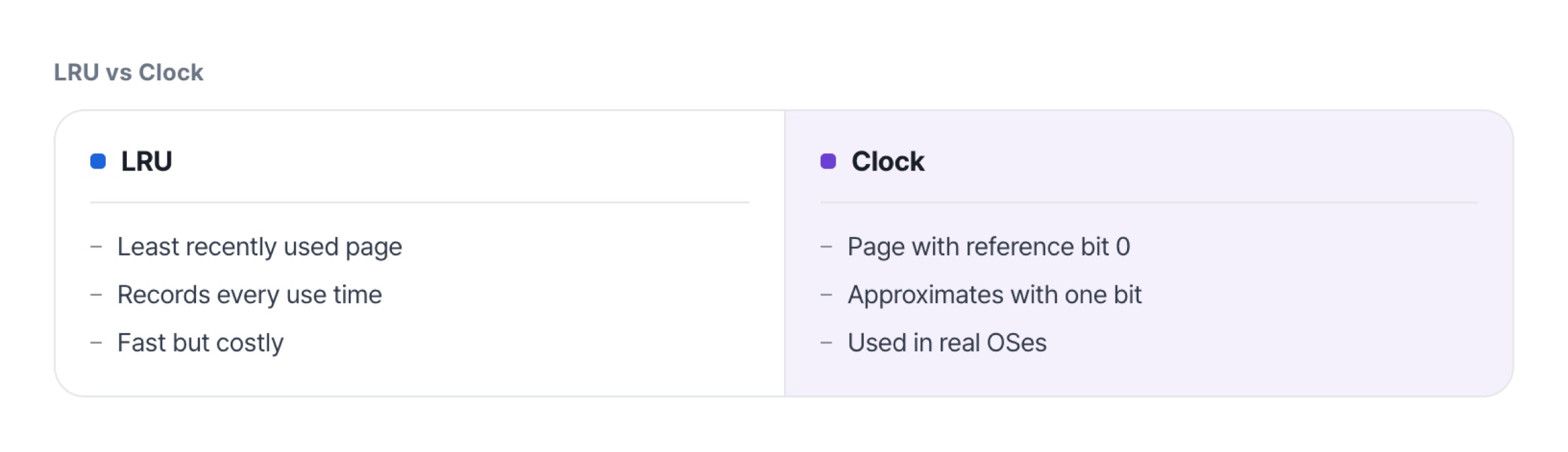
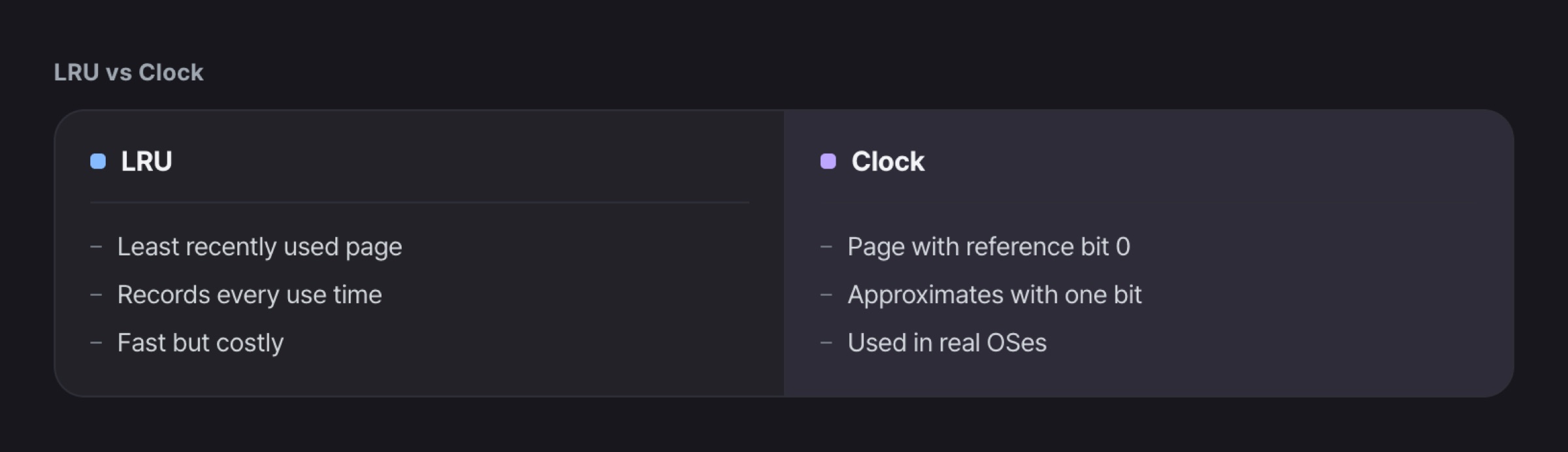
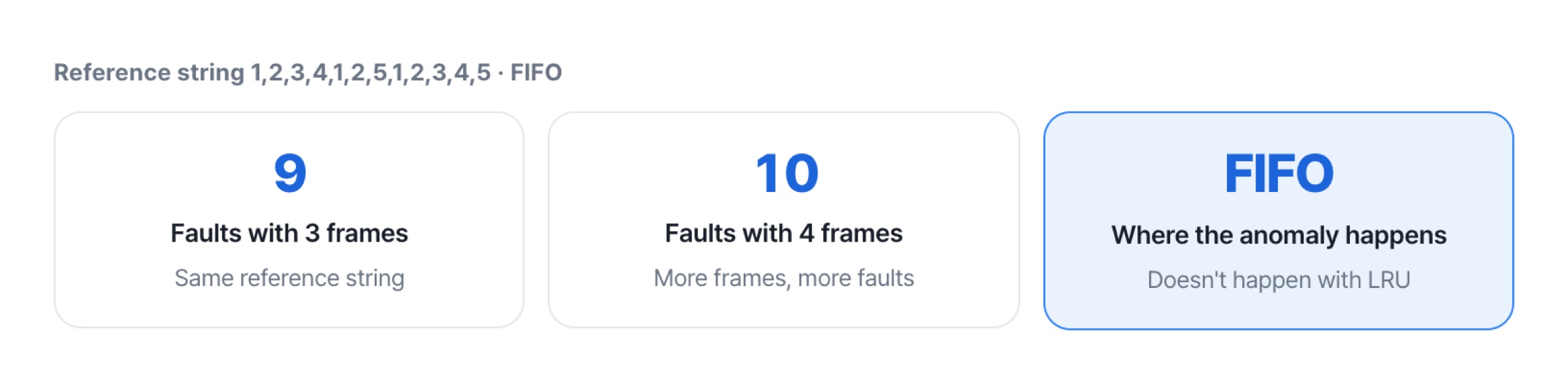
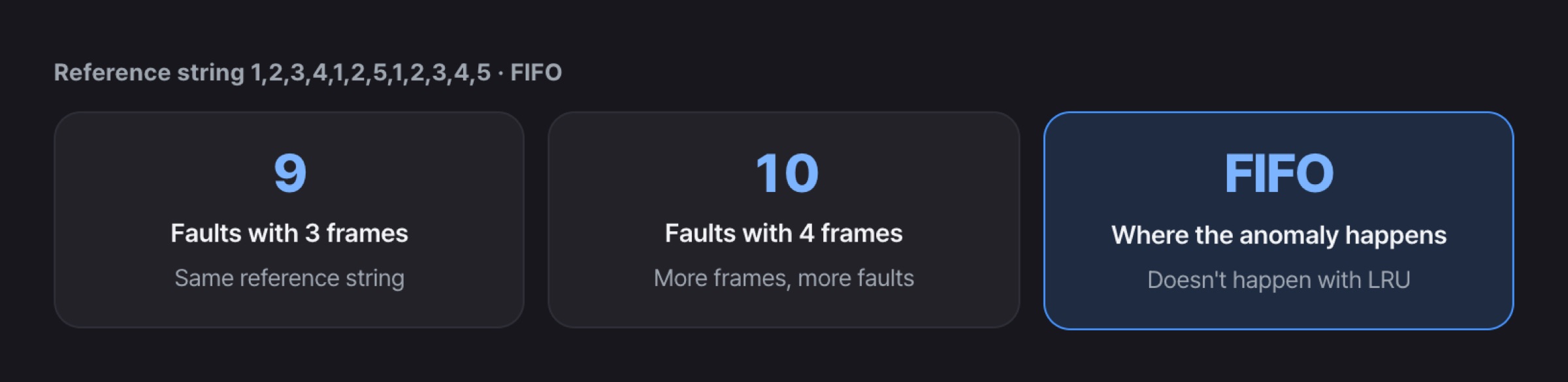
There are timeline and scale pictures too, and tables and charts fit in as well.
Make it, learn it,
finish it
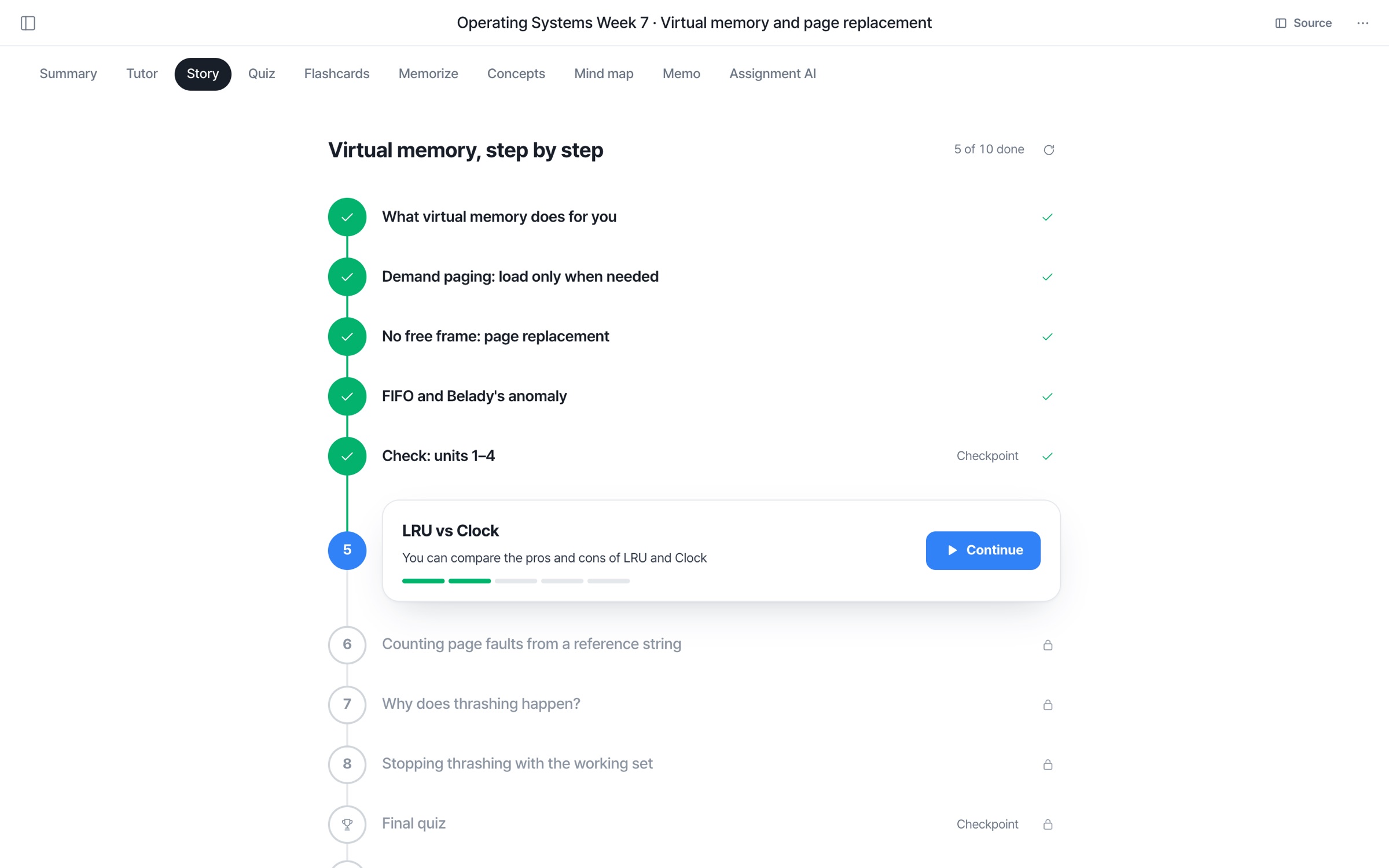
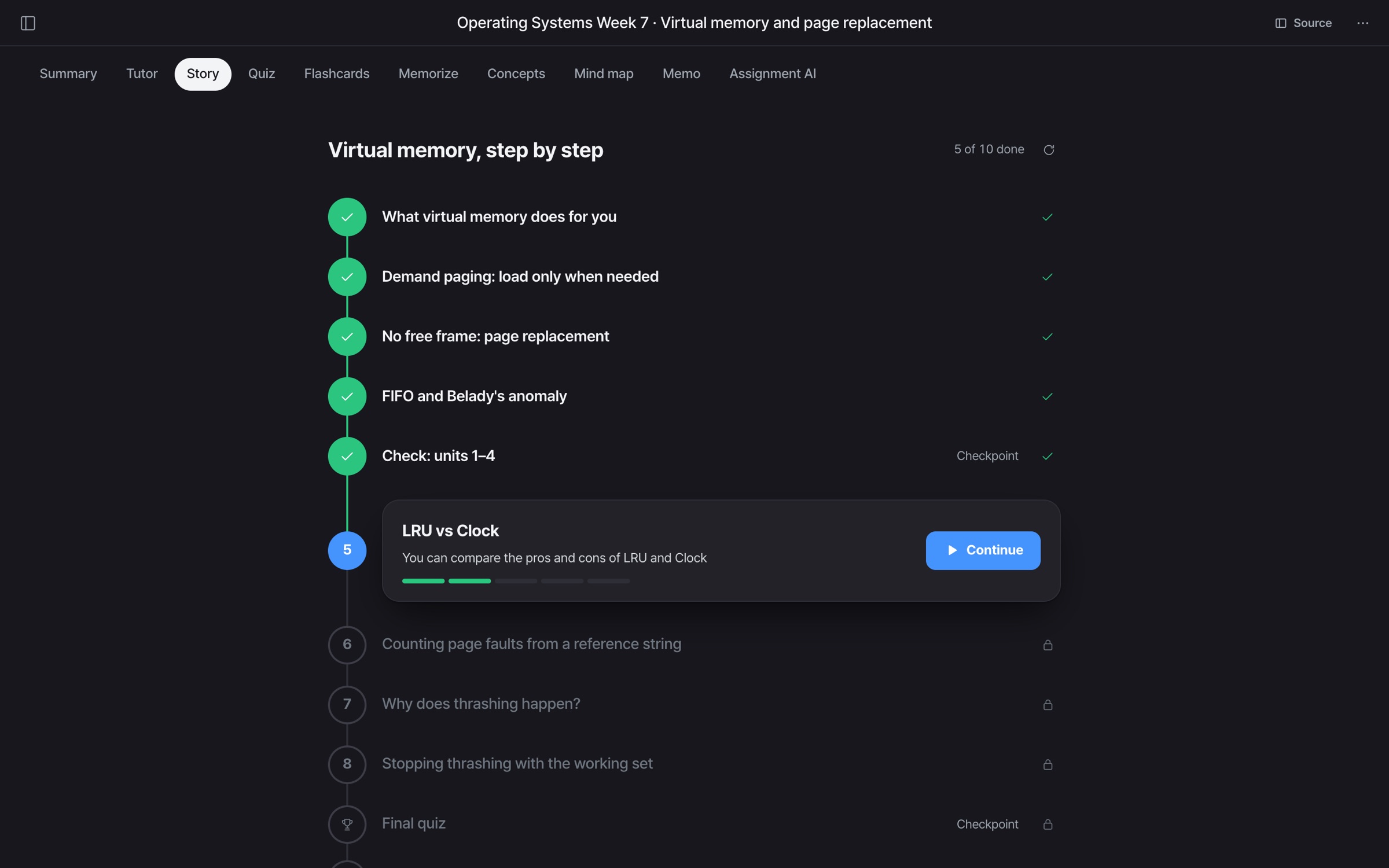
- Units in order
- Your material is split into units, starting from the basics.
- Opens one by one
- Finish a step and the next one opens.
- Pick up where you left off
- Resume from the page where you stopped.
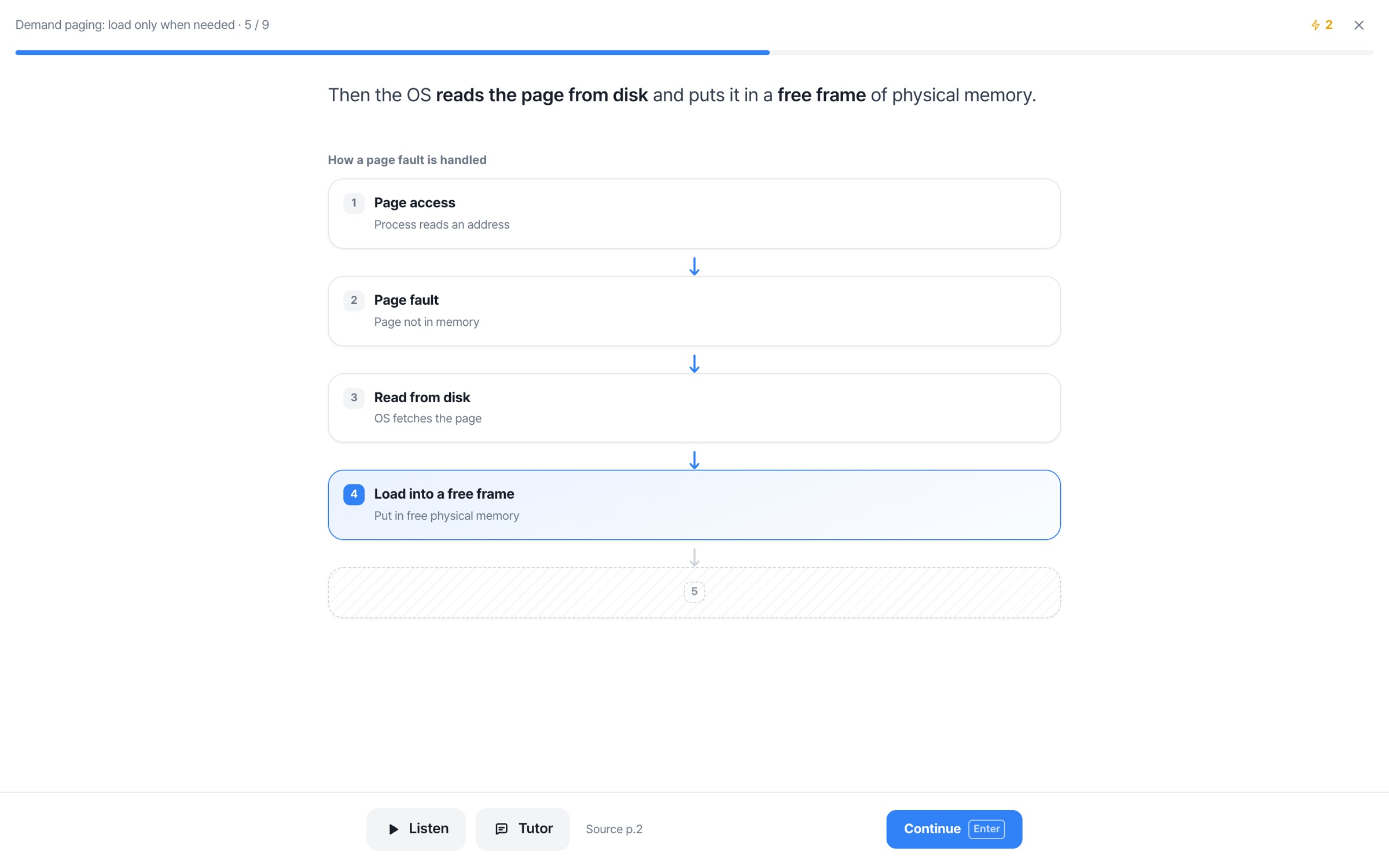
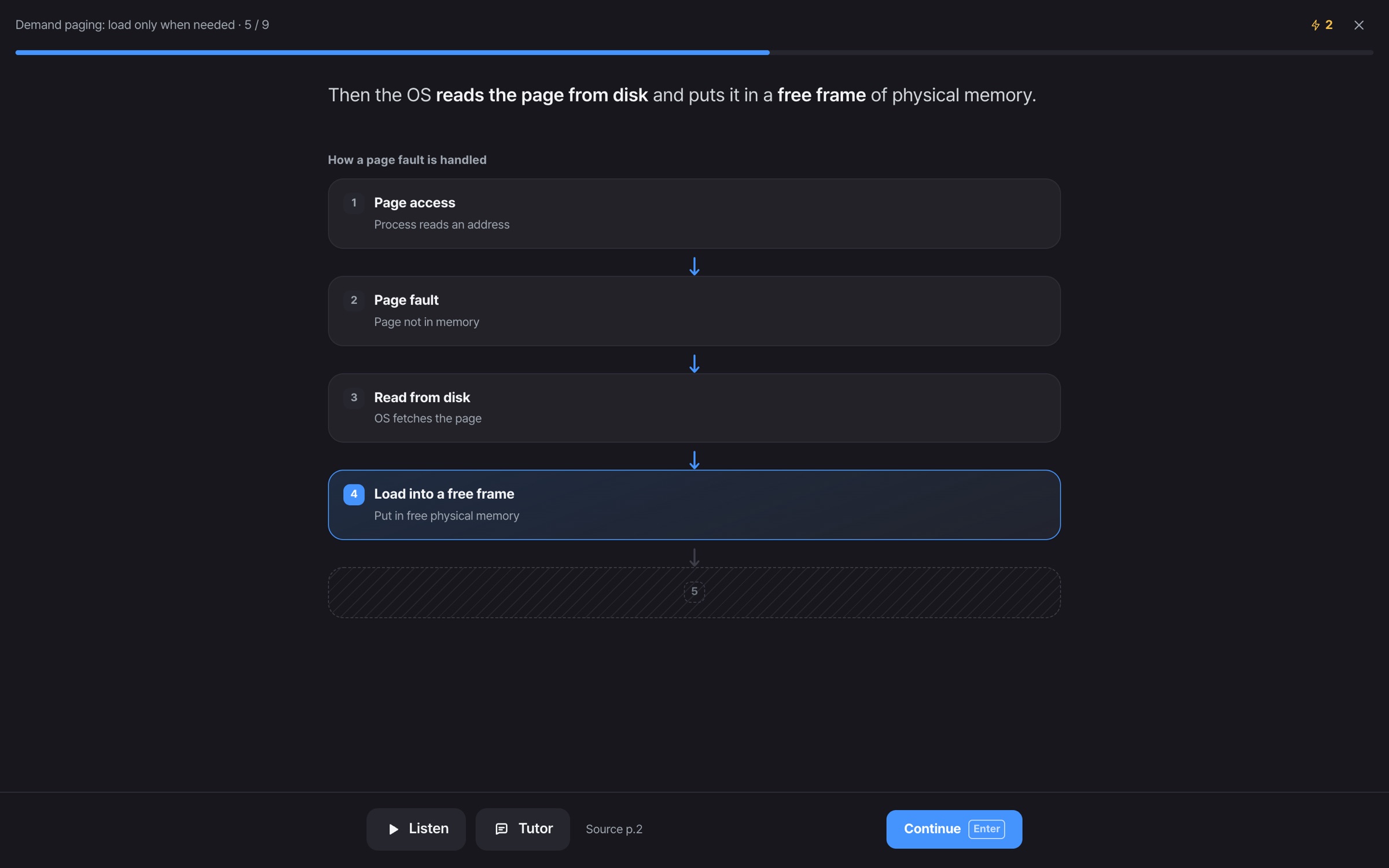
- The picture grows
- Flow, comparison and classification pictures fill in step by step.
- Listen
- Listen to the page read aloud.
- Stuck? Ask the tutor
- Ask right away, with the page you're on.
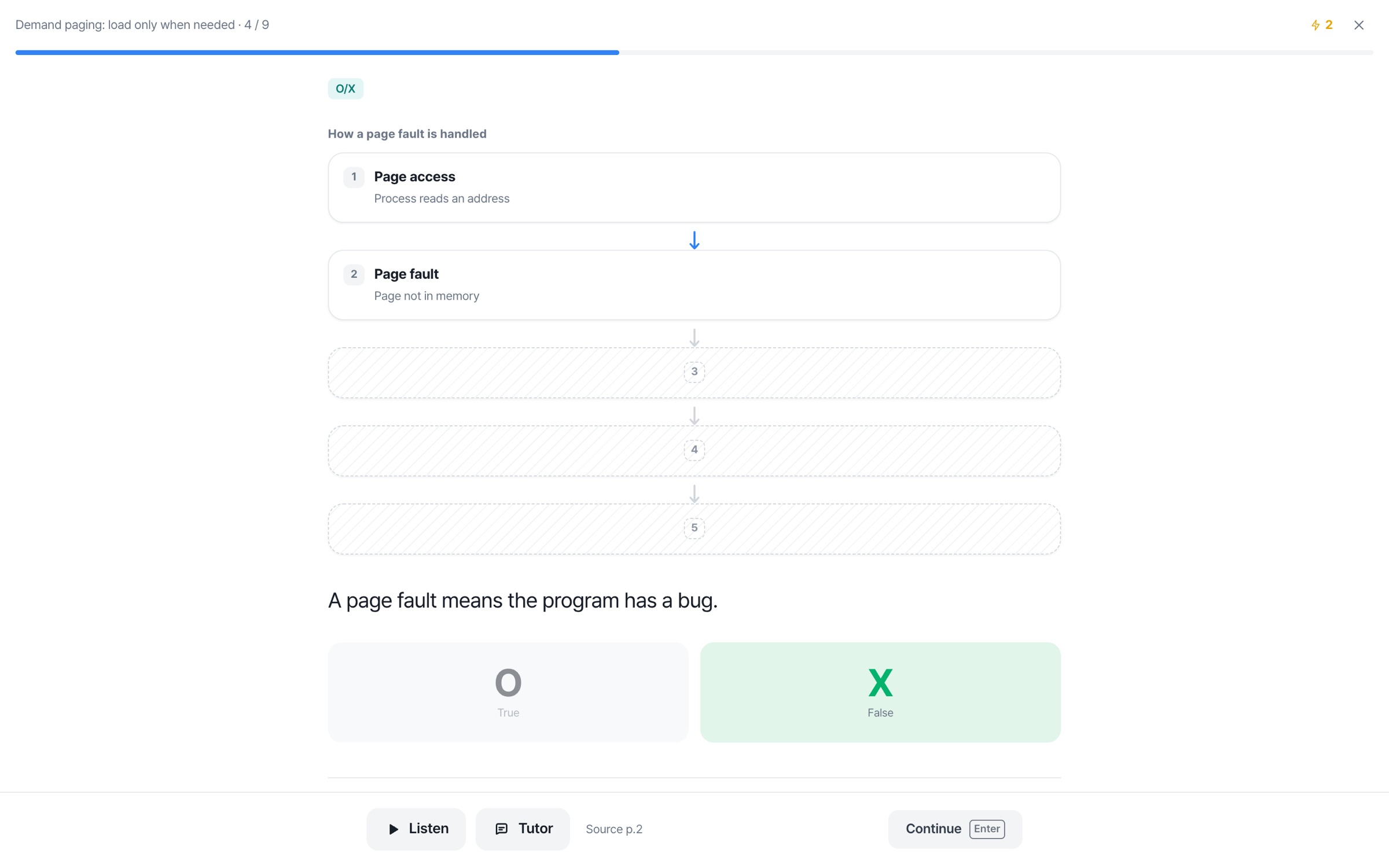
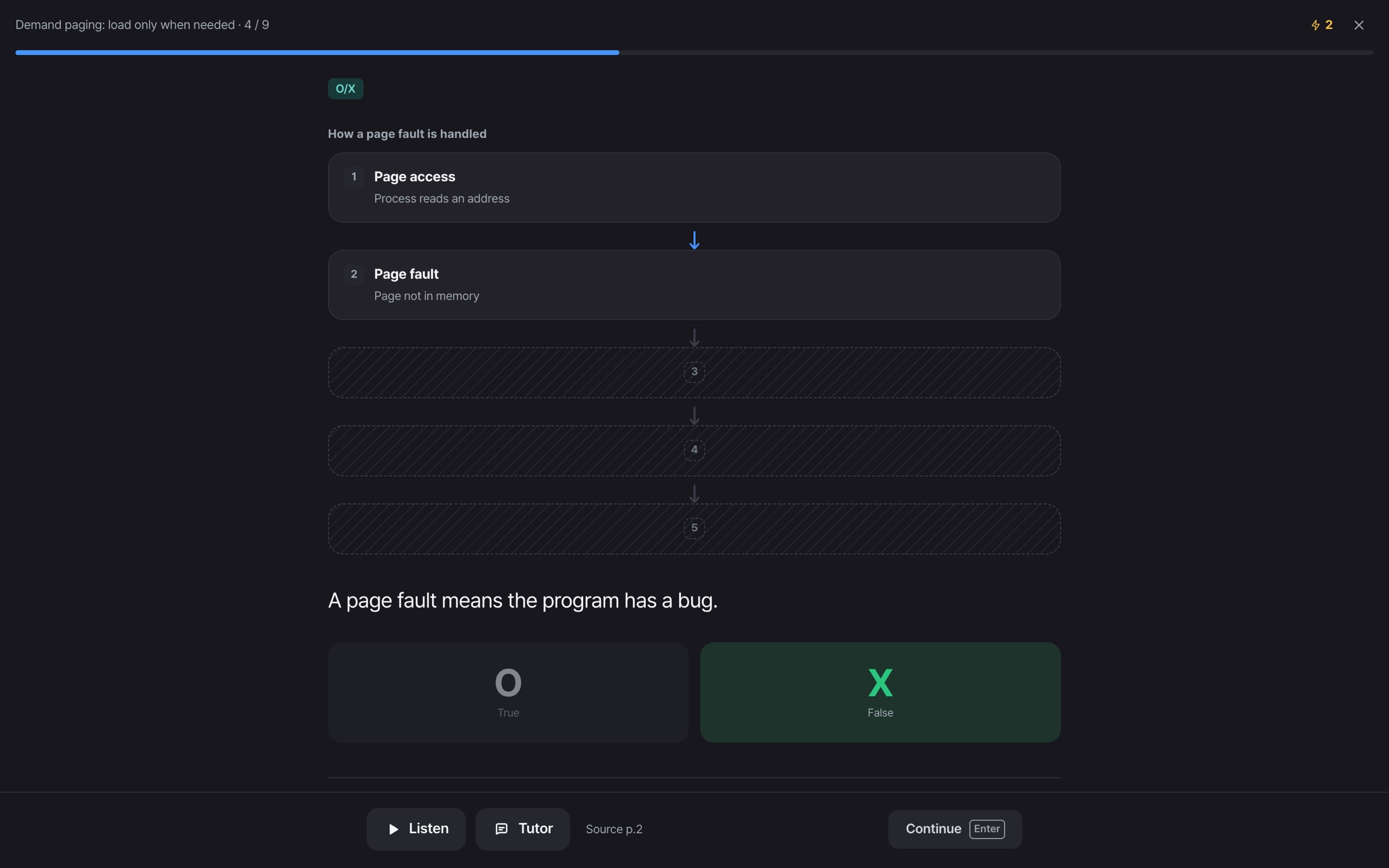
- A check question on every page
- Check with O/X, multiple choice and ordering questions.
- Missed questions go to mistake notes
- Solve them again until you've got them.
- Checkpoints and a final quiz
- Review every 4 units, and finish at the end.
Story FAQ
How is it different from a summary?
A summary covers the whole material at once. A story splits the ideas into order from the basics, explains one per page, and checks your understanding with a question on each page.
How do I make one?
Open your material and tap Make a story in the Story tab. The outline is made and you can start unit 1 right away. The next unit gets ready while you read the one before it.
What kinds of pictures are there?
Flow, cycle, comparison, classification, timeline, numbers and scale. Each unit gets the picture that fits it, and it fills in piece by piece as you turn pages.
Can I use it for free?
The free plan covers units 1–2, and you can continue with later units on Pro. Every unit title in the outline is still shown. See pricing for details.
What happens to check questions I miss?
Missed check questions (except ordering ones) go to your mistake notes, where you can solve them again until you've got them.