
 Lecture transcription
 AI summary
 AI quiz
 Flashcards
 Mind map
 Assignment AI
Add your materials,
get a summary beside the source
From PDFs and slides to photos of handwritten notes and YouTube.
Tap a page number to jump to that spot in the source.
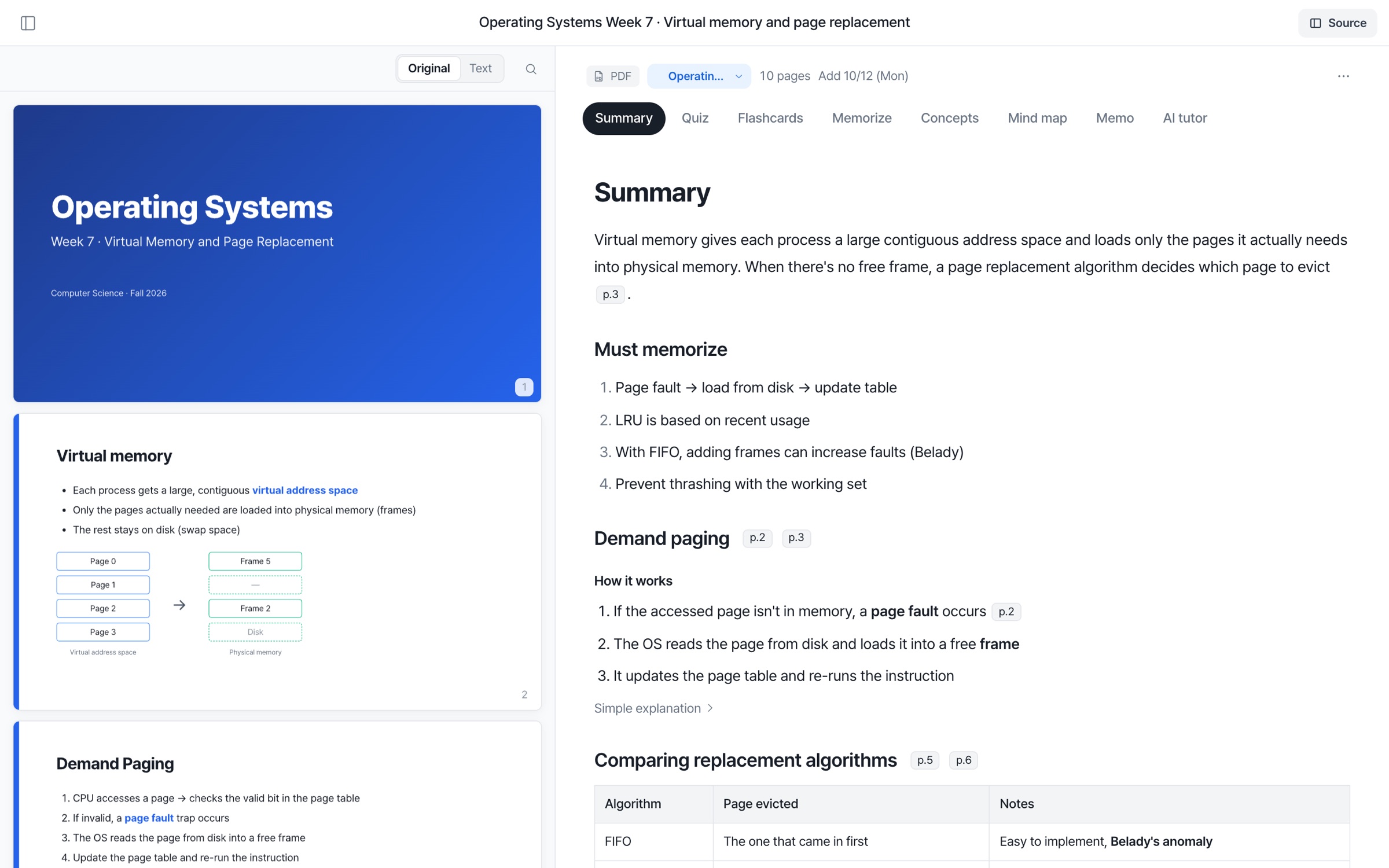

Whatever you add,
an easy-to-read summary
Add anything
Docs, scans and photos — read page by page.
With source page numbers
Check against the source instantly.
Too hard? Get a simpler take
Open an explanation that uses analogies.
Must-knows and exam points,
gathered separately
Just the must-knows and exam points, in one place.
Upload, read,
review right away
 YouTube lecture
 Photos of notes or the board
 New memo
- Upload with +
- Drag files in or upload with +.
- Add anything
- Docs, scans and photos — read page by page.
- English materials, summarized in Korean
- English materials get Korean summaries.
- Side by side with the source
- Summary beside the source; jump by page number.
- With source page numbers
- Check against the source instantly.
- Too hard? Get a simpler take
- Open an explanation that uses analogies.
- Must-knows first
- Right before the exam, just skim this.
- Straight to review
- Continue with quizzes, cards and mind maps.
- Ask the AI tutor what you don't get
- Answers right away, based on your materials.
AI summary FAQ
What files can I upload?
You can upload PDF, PPTX, DOCX, TXT and MD files. Scanned PDFs and photos of notes are read with text recognition, and YouTube lectures and memos work as materials too.
Are summaries accurate?
Every summary sentence has a source page number, so you can check it against the original right away. AI can make mistakes, so verify important points in the source.
Is my material used to train AI?
No. Uploaded materials are never used to train AI models.
Can I regenerate a summary?
Yes. You can regenerate summaries, mind maps, memory notes and concepts anytime.